AES-GCM, CBC, CTR, and ECB
Start the core Cipher workflow without leaving the MachKit toolbox.
Text & Data
Cipher keeps cryptography local. Use AES and ChaCha modes, RSA, DES/3DES, and SM2/SM4—without uploading secrets to a website.
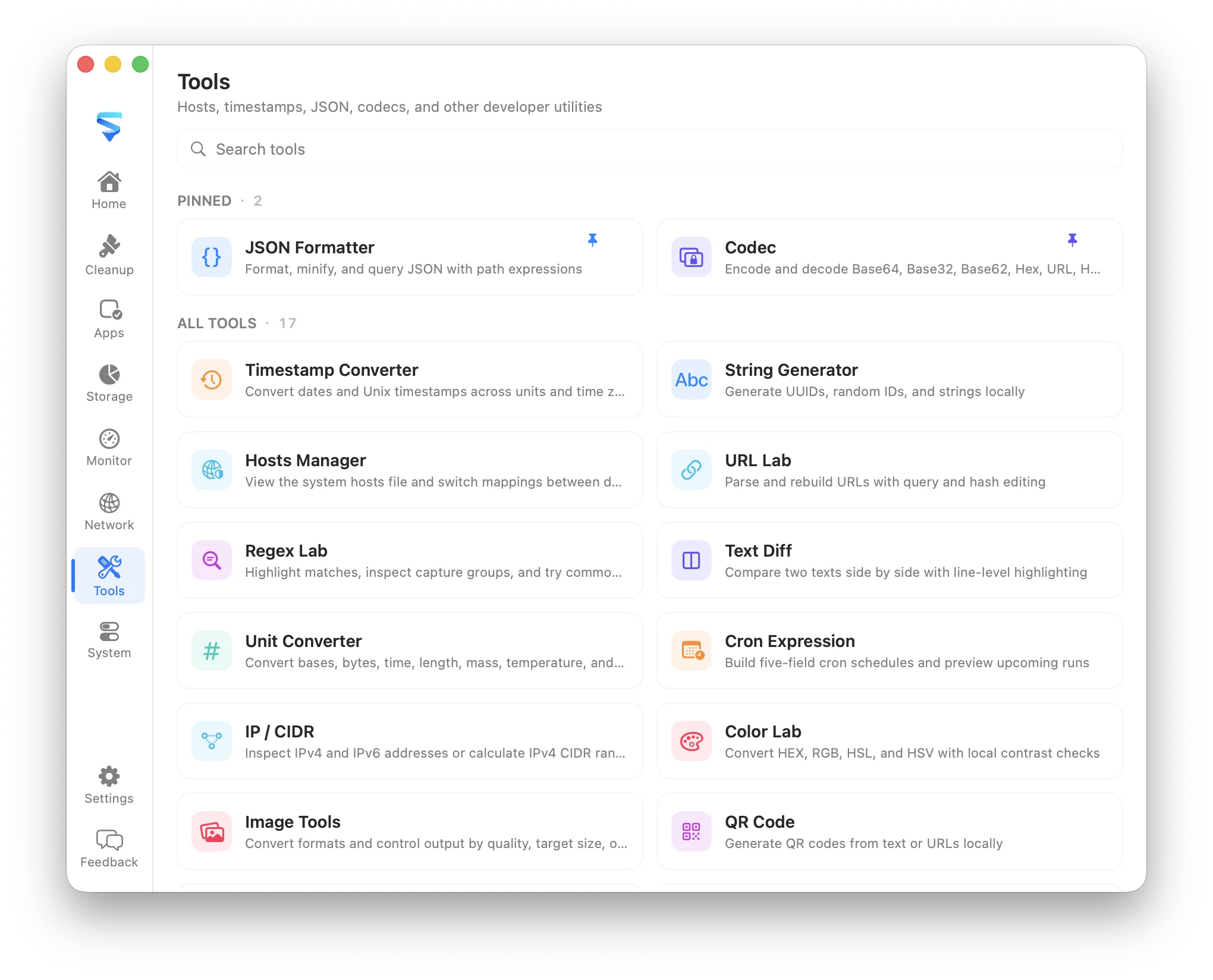
Start the core Cipher workflow without leaving the MachKit toolbox.
Keep the working input and generated result on the Mac.
Copy or continue with the result from the same consistent utility window.
What it covers
Cipher keeps cryptography local. Use AES and ChaCha modes, RSA, DES/3DES, and SM2/SM4—without uploading secrets to a website.
MachKit runs this utility as bundled local content. It does not require an account, analytics service, remote script, or cloud storage for the tool input.
Cipher shares MachKit’s searchable tool catalog, light and dark appearance, localization, clipboard feedback, and configurable global shortcuts.
FAQ
No. Encryption and decryption run locally in MachKit. Nothing is uploaded for the Cipher workflow.
AES-GCM/CBC/CTR/ECB, ChaCha20/XChaCha20-Poly1305, RSA-OAEP/PKCS1, DES/3DES, and SM2/SM4.