Native macOS utility

Keep your Mac understandable.

MachKit is a free, open-source Mac cleanup and utility app for storage analysis, app removal, system monitoring, networking, annotated screenshots, and 20 practical local tools.

Free and open source · macOS 14 or later

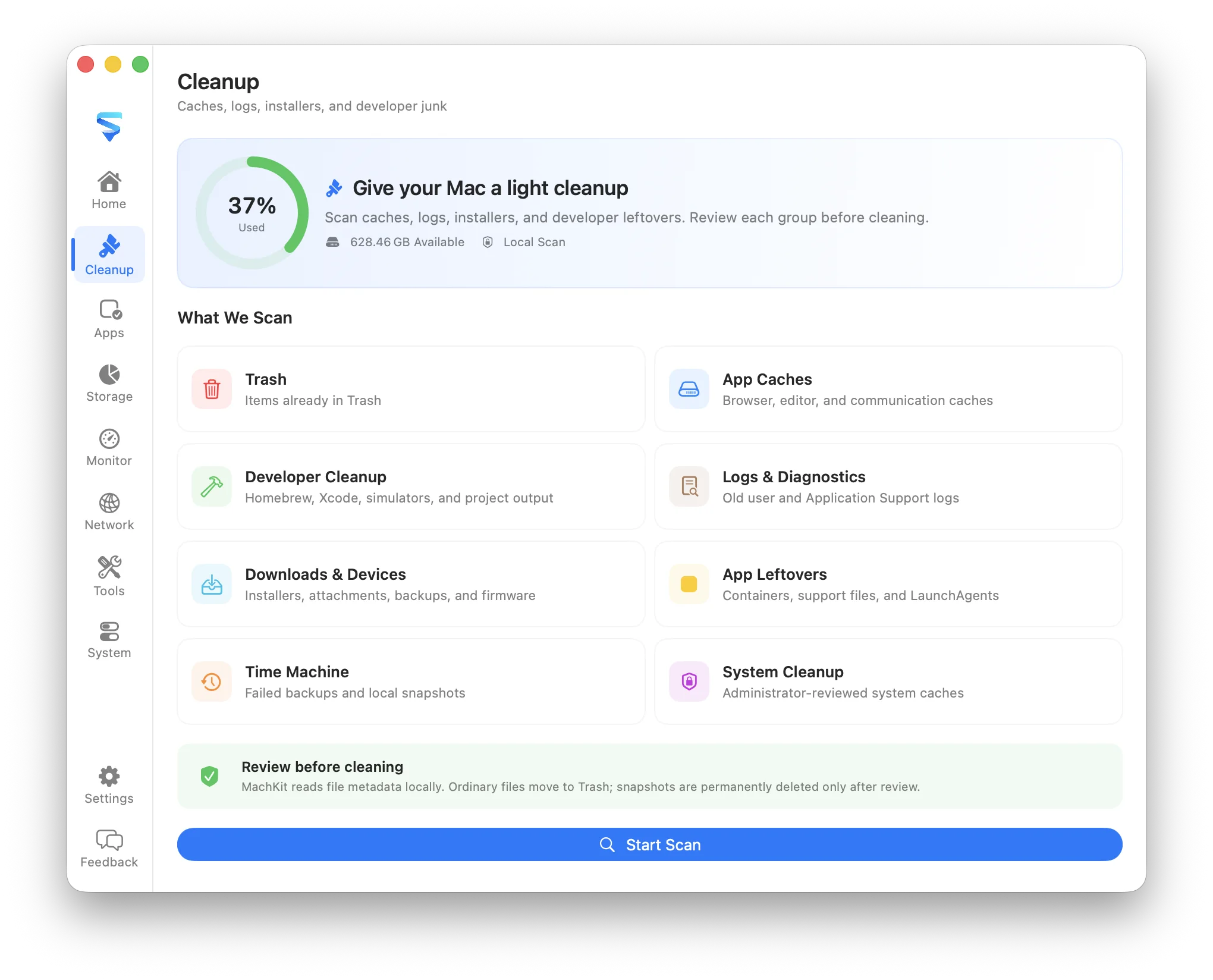
MachKit cleanup workspace showing local scan categories and the start scan action

One practical workspace

The useful system details macOS leaves scattered.

A storage question should not require jumping between Finder, System Settings, Activity Monitor, and Terminal. MachKit collects the information you actually need, explains it in plain language, and keeps the next action close by.

It is not a one-click optimizer. You can inspect paths, sizes, processes, routes, related files, and the reason behind every cleanup recommendation before deciding what to do.

MachKit is the project’s correct name; people also find it by searching for Mackit or Mach Kit. Whether you need a careful Mac cleaner, an annotated screenshot tool, or a collection of practical Mac tools, it is the same free open-source app.

What MachKit covers

A focused tool for each part of your Mac.

Use one area at a time, or move between them without losing context.

Understand

Start with a readable picture of the machine in front of you.

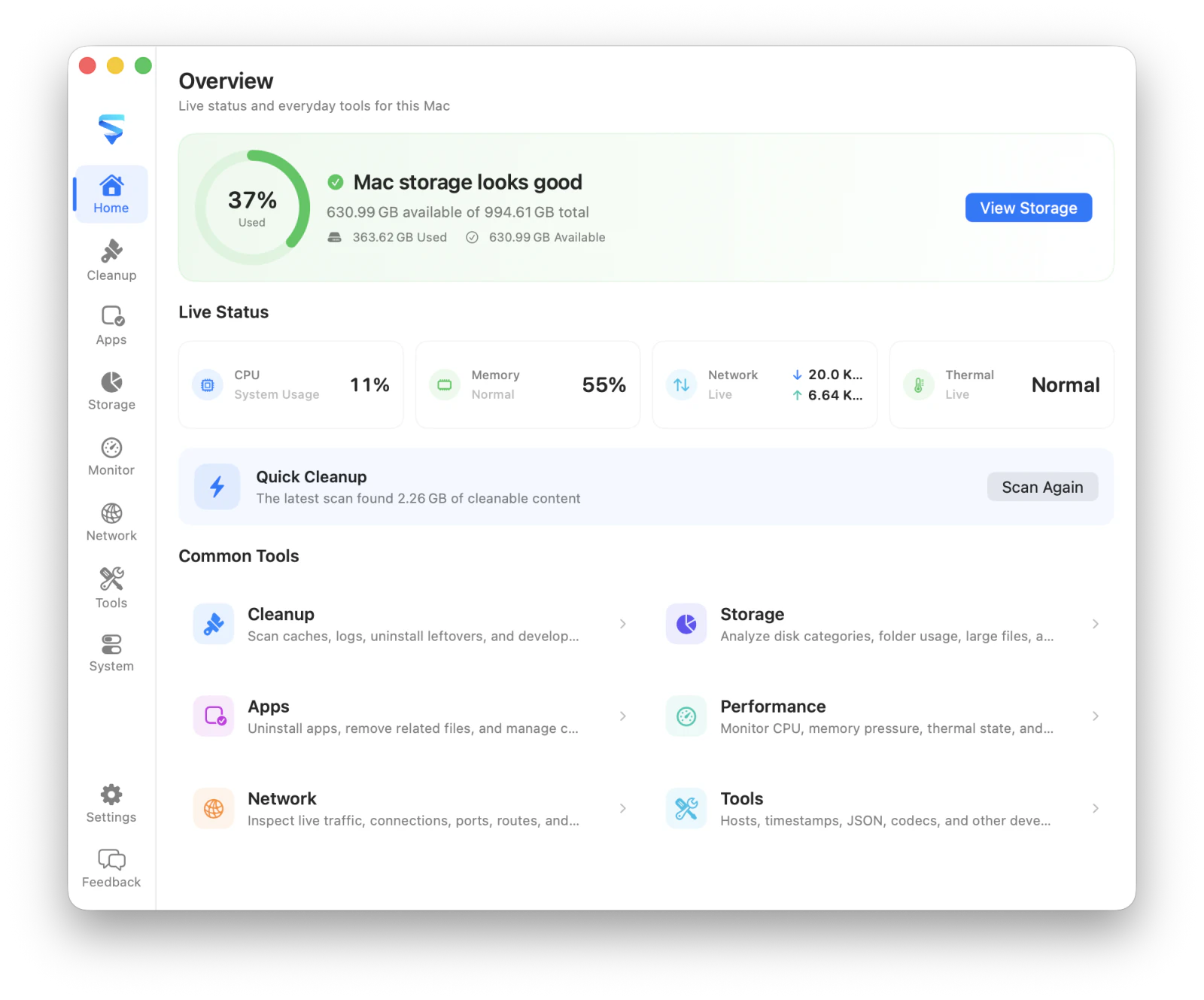
Overview
Storage health, CPU, memory pressure, network speed, thermal state, and quick actions.
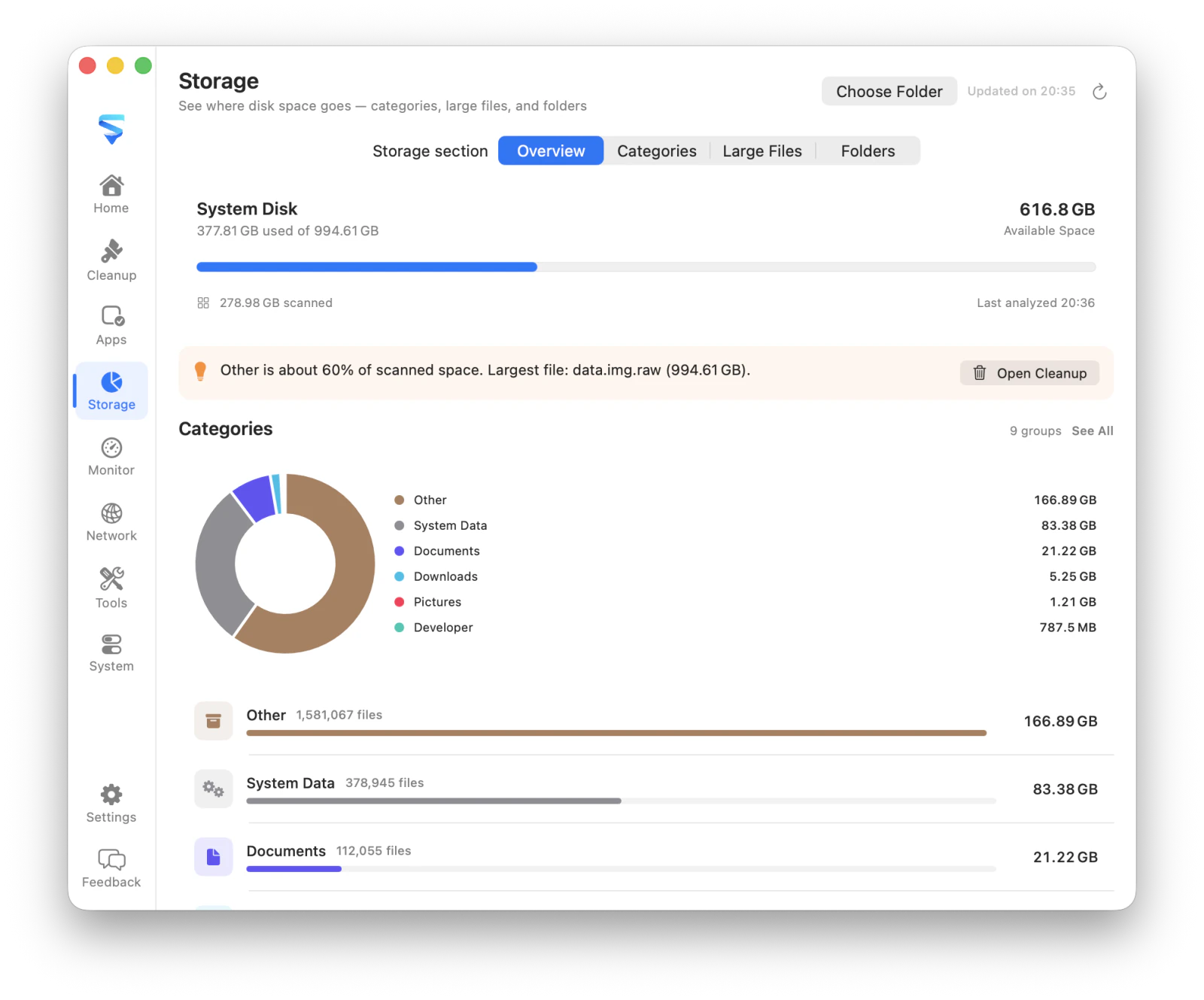
Storage
Disk categories, folder sizes, and large files with drill-down navigation.
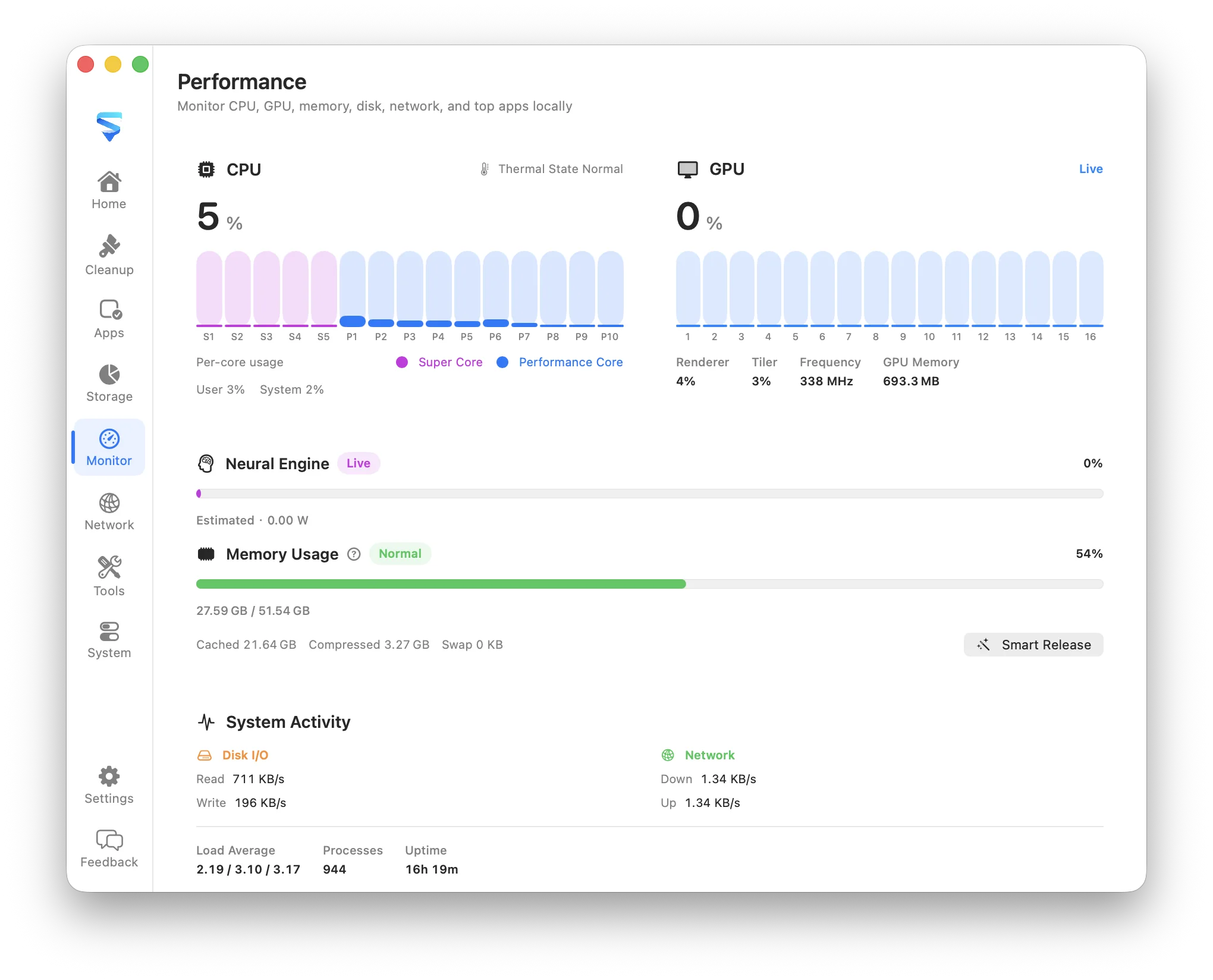
Performance
Live resource usage and the apps placing the most pressure on your Mac.
Maintain

Recover space and remove software without hiding the details.

Cleanup
Caches, logs, old installers, developer files, and uninstall leftovers.
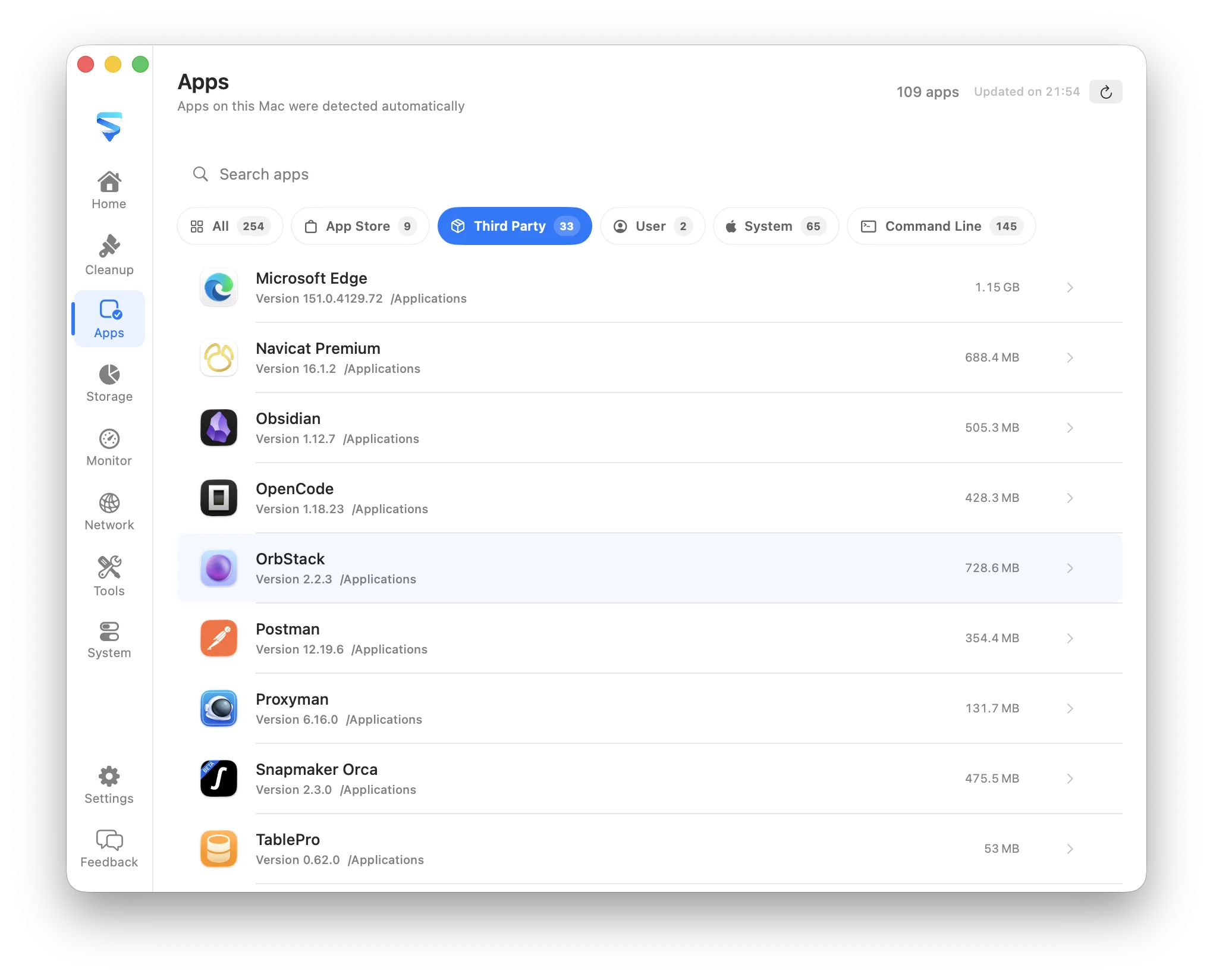
Apps
Installed apps, command-line tools, and selectable related support files.
Safe removal
Review uncertain items first; supported operations move files to Trash.

Inspect

See the background activity that is usually difficult to find.

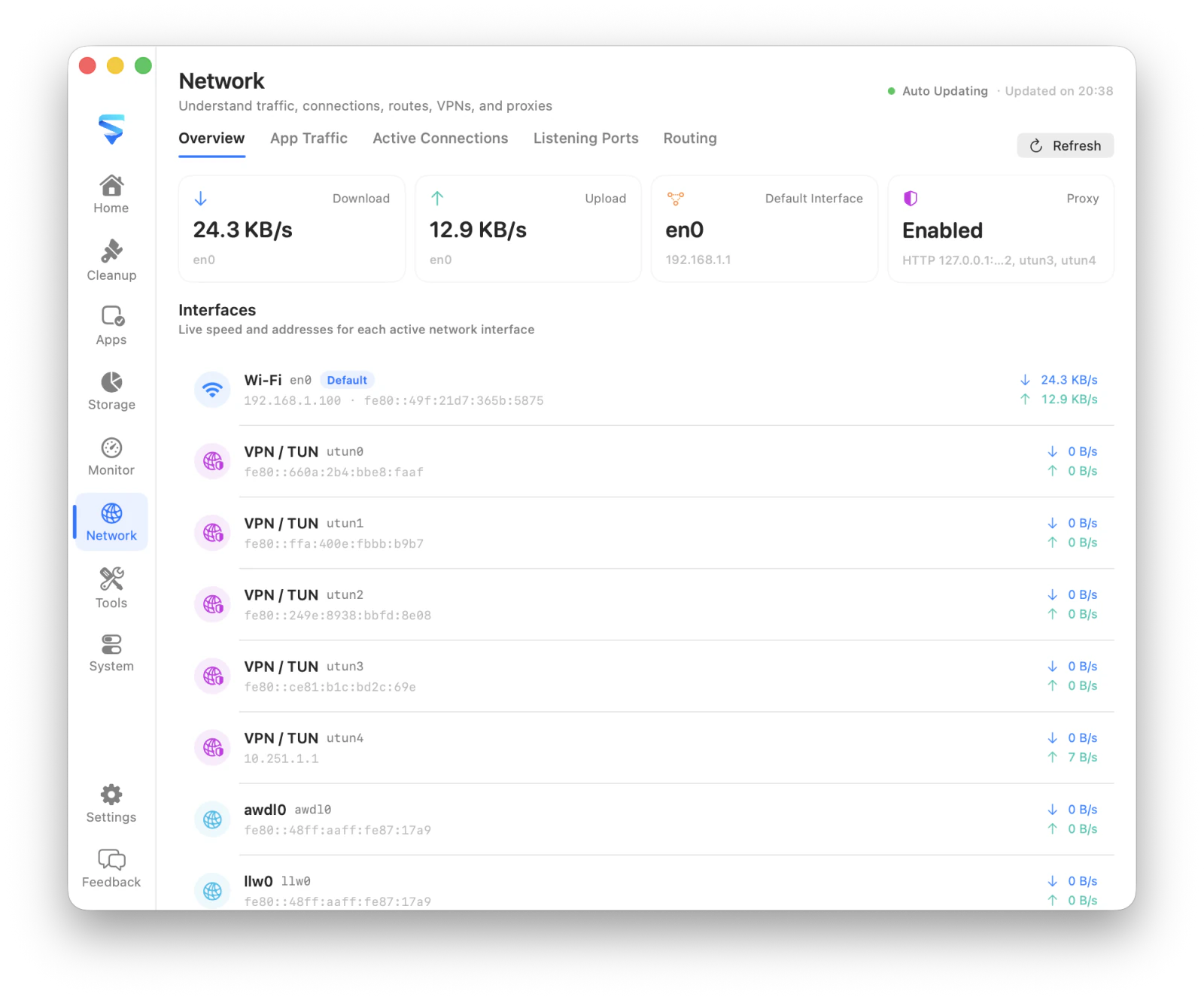
Network
Traffic, connections, listening ports, routes, VPN/TUN, and proxies.
System
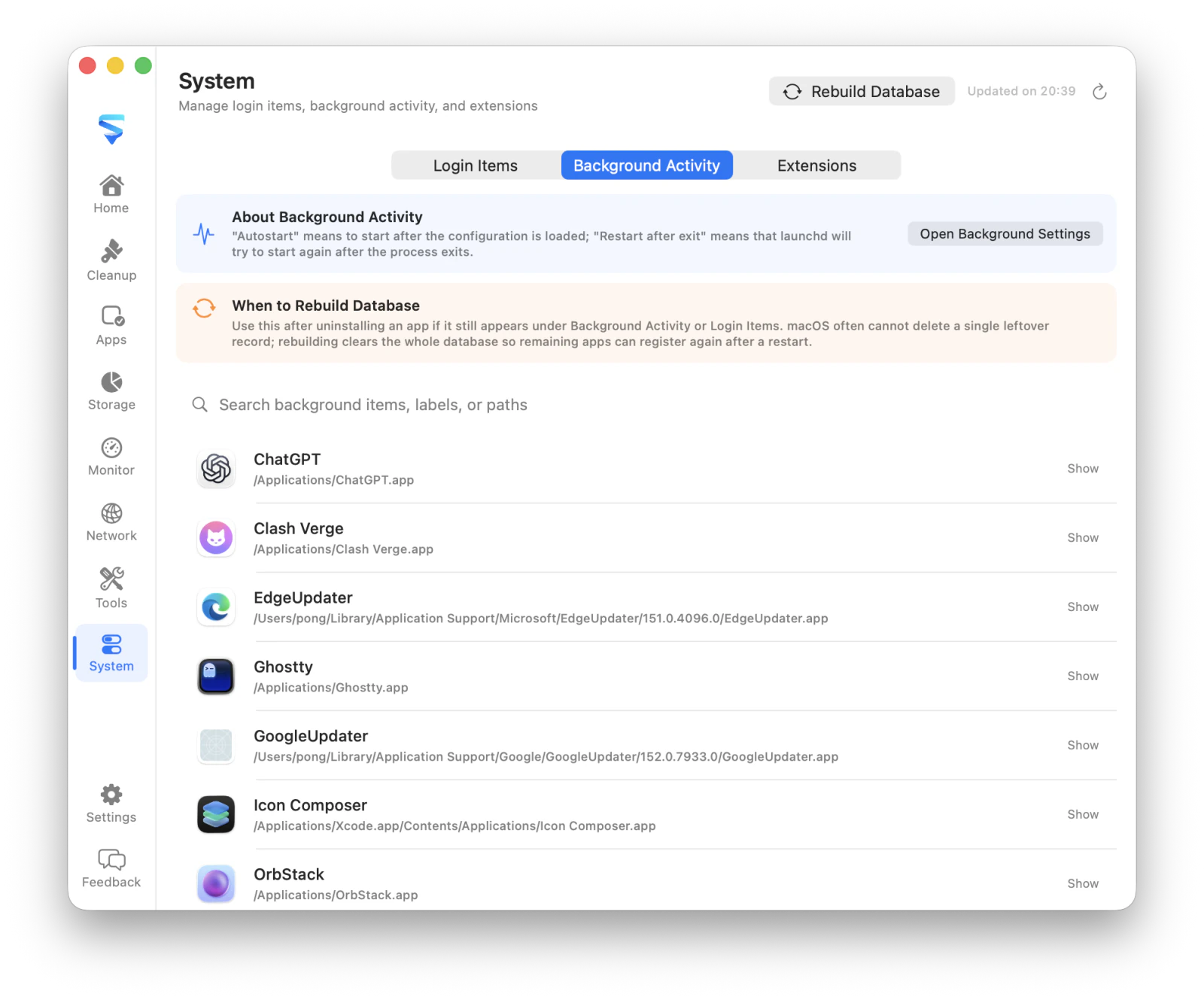
Login items, background tasks, application extensions, and possible residues.
Menu bar
Quick access to MachKit features without hunting for the dock icon.

Utilities

Keep capture and everyday helpers one shortcut away.

Screenshot
Capture a region from anywhere, annotate with shapes, arrows, highlight, mosaic, and text, then copy or save locally.
Hosts Manager
Inspect and switch shared or environment-specific host mappings.
Global shortcuts
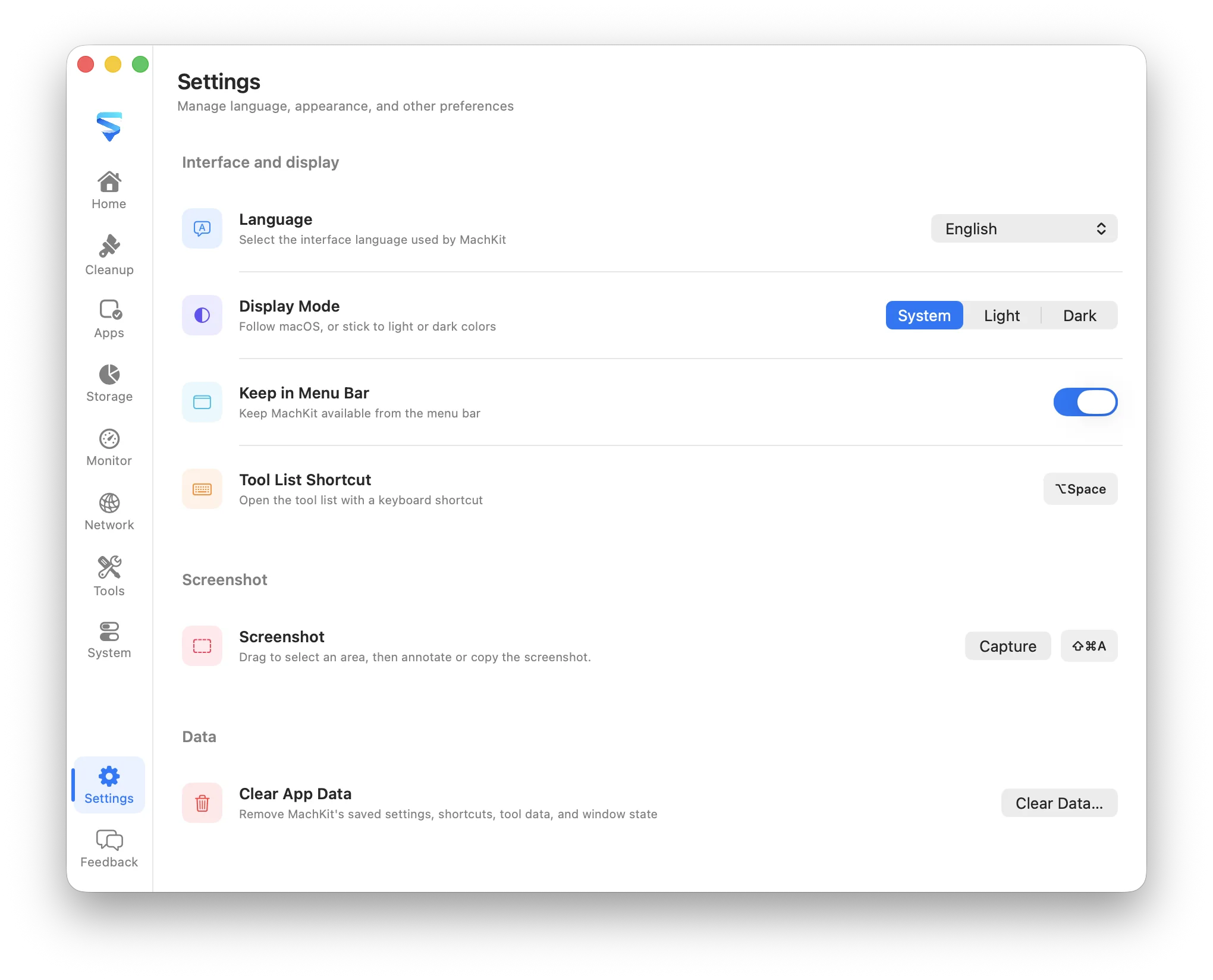
Open the tool list, a utility, or screenshot capture from anywhere on your Mac.

Real product, real data

Look closely before you act.

Each workspace is designed around the question you are trying to answer, with the underlying detail still available when you need it.

02

Understand every cleanup candidate.

  • Scan caches, logs, old installers, developer files, and uninstall leftovers.
  • Separate safe-to-clean content from findings that require review.
  • Inspect file counts, sizes, and reasons before moving selected items to Trash.
MachKit cleanup results with safe and review categories

Designed for informed changes

Useful automation, visible boundaries.

MachKit automates the tedious discovery work, not the decision. Before a destructive action, it shows what will change and asks you to confirm it.

01

Local by default

File metadata and scan results stay on your Mac. The app does not require an account or cloud service.

02

Conservative selection

Uncertain cleanup findings are left unselected, protected locations are blocked, and paths are validated before removal.

03

Recoverable where possible

Cleanup and app removal normally move selected files to Trash so they can be restored if needed.

Practical local utilities

A growing toolkit on its own page.

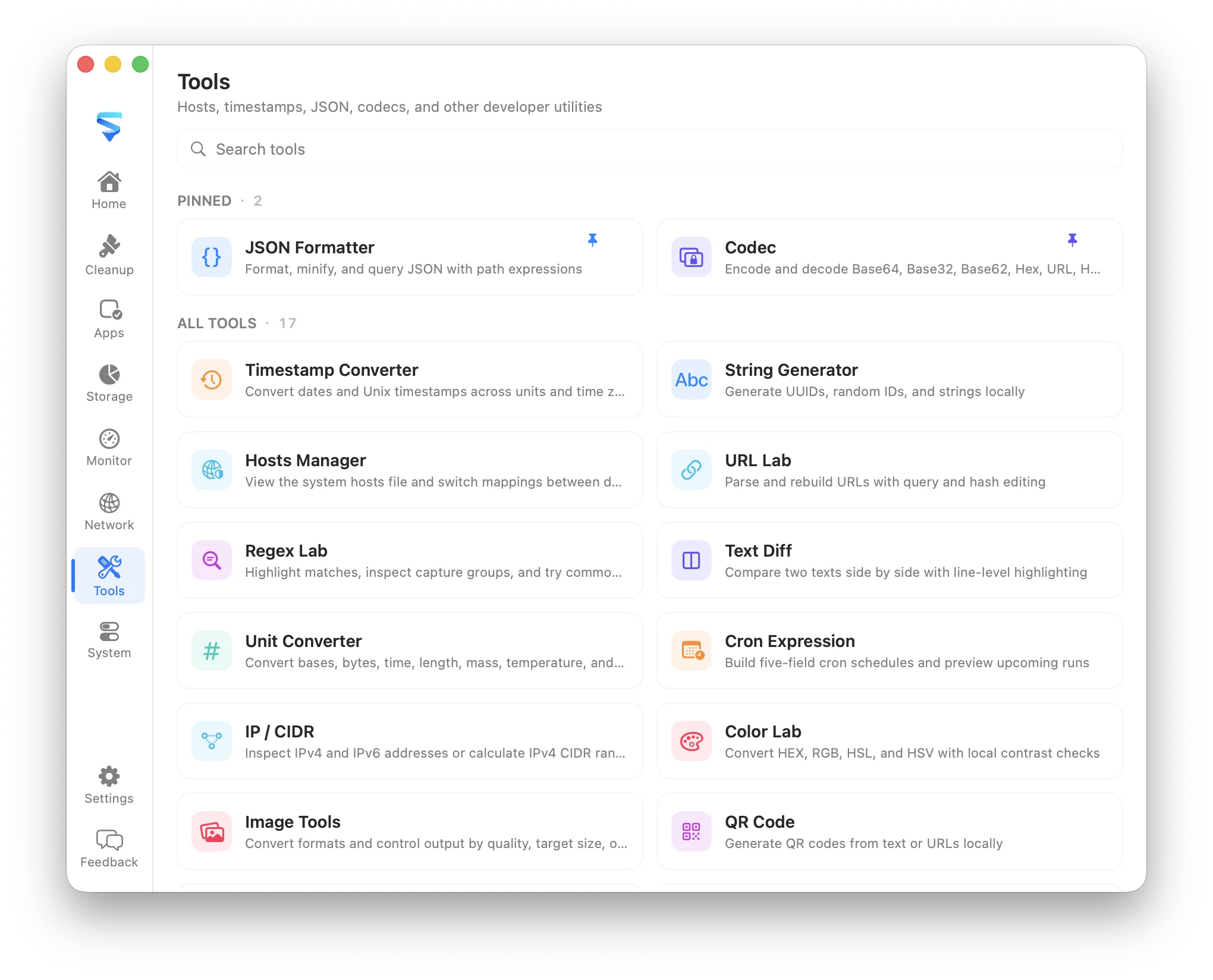
MachKit keeps focused utilities for text, data, images, networking, diagnostics, and everyday work in one searchable catalog—plus a native screenshot workflow you can trigger from anywhere. Every tool shares the app’s appearance, language, shortcuts, and local-first privacy model—and each utility has a clear introduction on the tools page.

One focused job
Each utility solves a concrete, recurring task.
Native screenshot
Region capture, annotation, mosaic, and clipboard export stay on your Mac.
Room to grow
New tools join the catalog without adding another standalone app.

20 tools across 4 categories

Text & Data
9 tools · Timestamp Converter, JSON Formatter, Codec
Network & Security
6 tools · Hosts Manager, IP / CIDR, JWT Lab
Images & Color
3 tools · Color Lab, Image Tools, QR Code
System Helpers
2 tools · Cron Expression, chmod Lab
Open the tools page

Open source

The safety rules are part of the product.

MachKit’s scan rules, protected-path checks, privileged operations, and release workflow are available to inspect. Issues and focused contributions are welcome.