Single ports or ranges
Start the core Port Scanner workflow without leaving the MachKit toolbox.
Network & Security
Port Scanner checks TCP ports or ranges with live progress and a clear open-port list. Use it to verify local services, confirm a listener after deploy, or quickly see what is accepting connections on a host you manage.
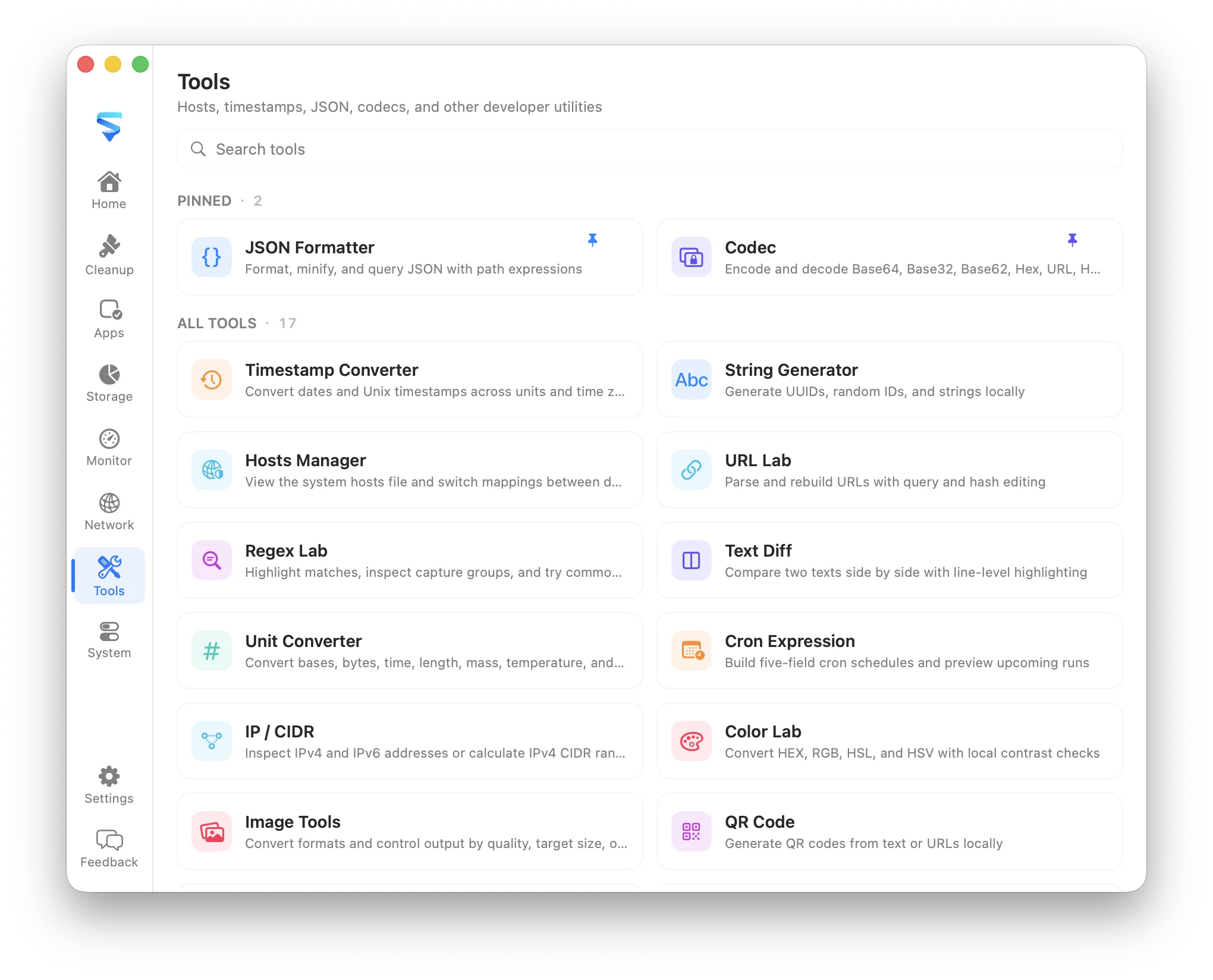
Start the core Port Scanner workflow without leaving the MachKit toolbox.
Keep the working input and generated result on the Mac.
Copy or continue with the result from the same consistent utility window.
What it covers
Port Scanner checks TCP ports or ranges with live progress and a clear open-port list. Use it to verify local services, confirm a listener after deploy, or quickly see what is accepting connections on a host you manage.
MachKit runs this utility as bundled local content. It does not require an account, analytics service, remote script, or cloud storage for the tool input.
Port Scanner shares MachKit’s searchable tool catalog, light and dark appearance, localization, clipboard feedback, and configurable global shortcuts.