Region capture
Select exactly the part of the screen you need without opening the MachKit window first.
Screenshot and annotation
MachKit provides a native Mac screenshot workflow for the moments when you need to explain what is on screen. Press the global shortcut, select a region in place, add the annotations you need, and finish directly to the clipboard or a PNG file.
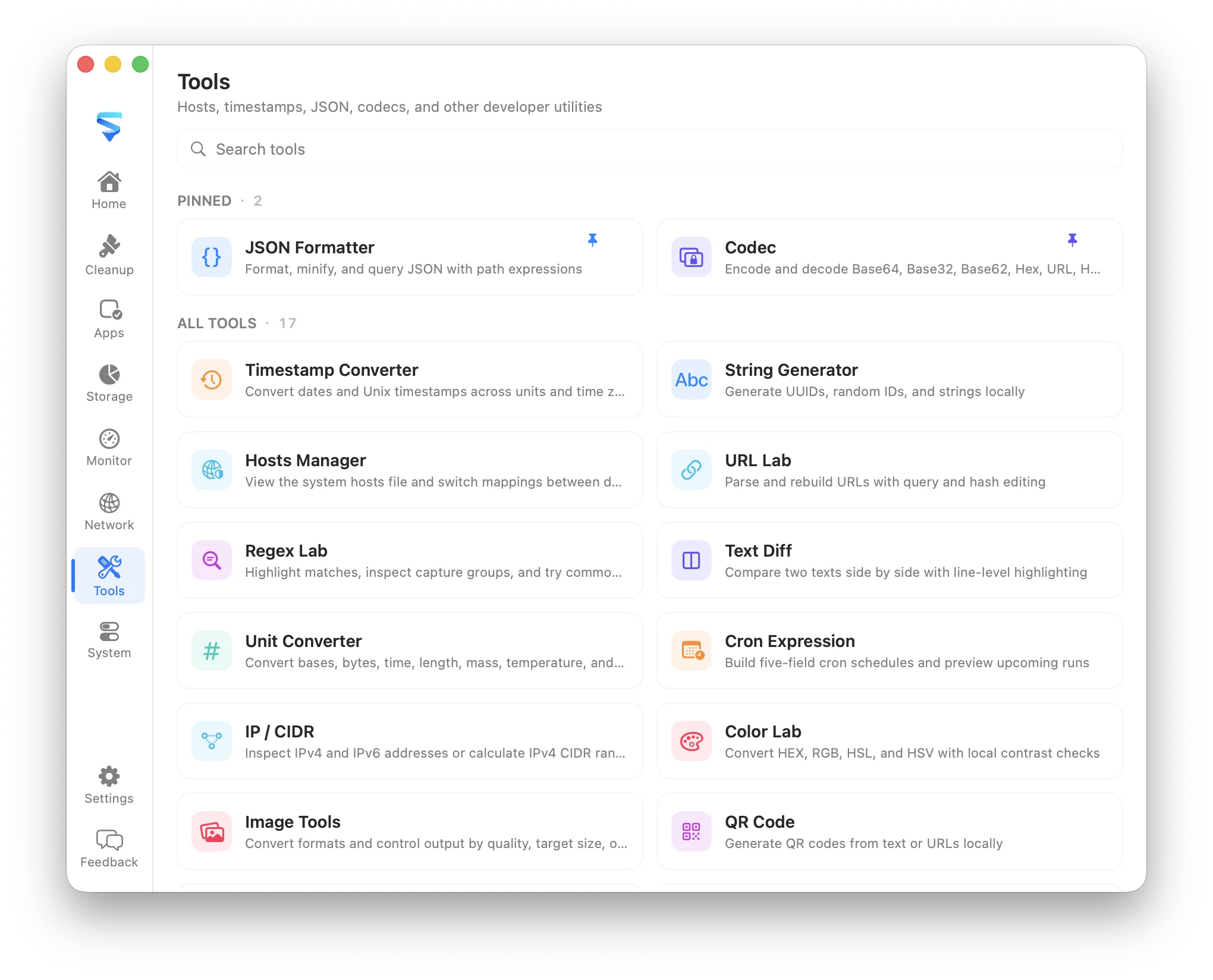
Select exactly the part of the screen you need without opening the MachKit window first.
Add rectangles, ellipses, arrows, freehand marks, highlights, mosaic, and multiple text labels.
Press Return or confirm to copy the finished image, or save it as a PNG on your Mac.
What it covers
The default Command-Shift-A shortcut starts region capture over the app you are currently using. The desktop is captured once and stays visually stable while you select and annotate, so the MachKit main window does not interrupt the workflow.
Choose geometric shapes for structure, an arrow for direction, pen or highlight for emphasis, mosaic for sensitive areas, and text for context. Tool-specific size controls show the actual stroke or mosaic footprint before you draw.
Capture and annotation are performed locally. MachKit does not upload the screenshot, require an account, or send the selected content to a cloud editor.