Storage analysis
Compare disk categories, browse folders by size, and drill into the directory hierarchy.
Storage and cleanup
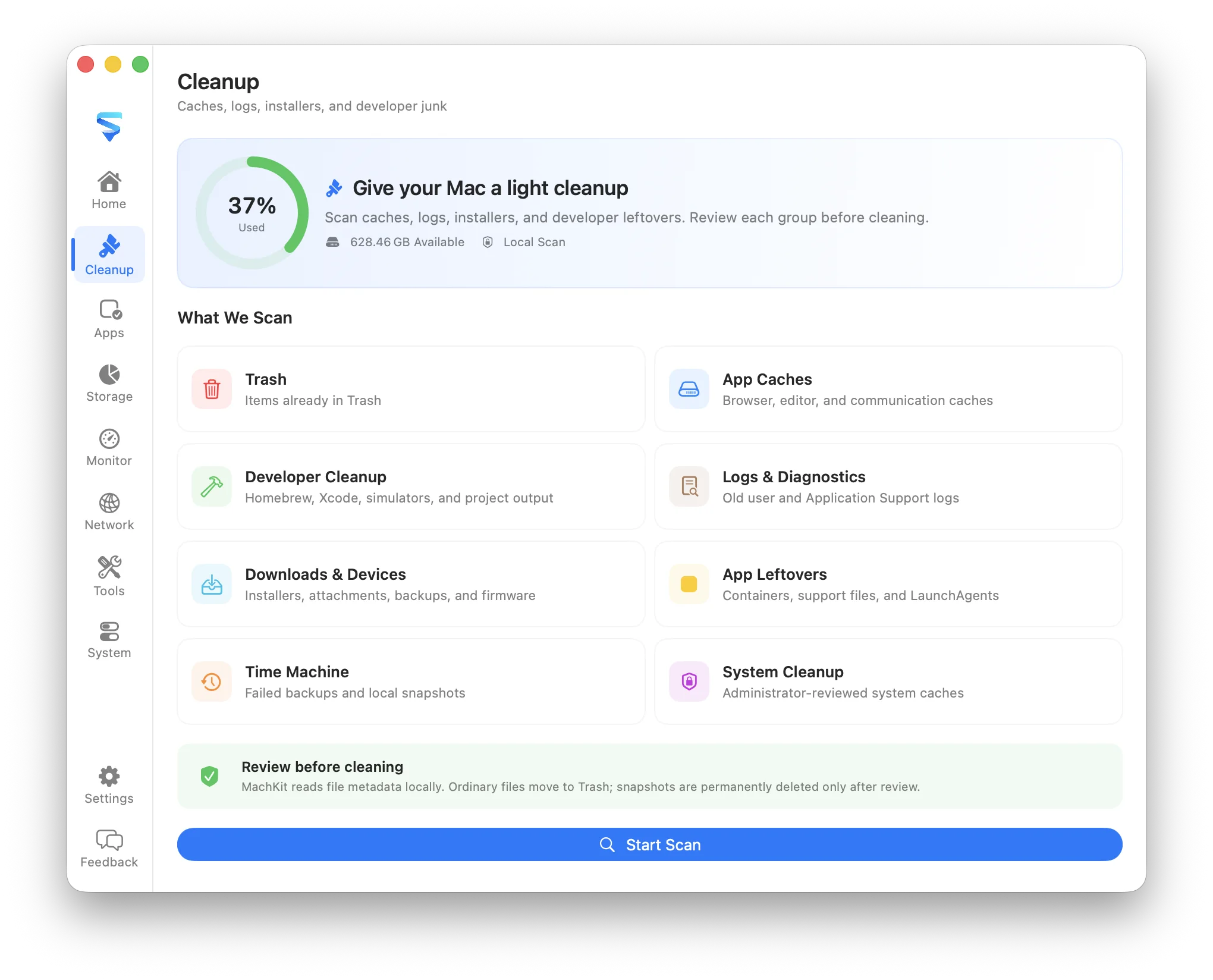
MachKit combines a readable storage overview with an explainable cleanup scan. It helps you move from a full disk to the folders and candidates responsible without turning cleanup into a blind one-click action.
Compare disk categories, browse folders by size, and drill into the directory hierarchy.
See the path, size, file count, age rule, and reason behind each cleanup candidate.
Uncertain findings stay unselected and supported removals normally go to Trash.
What it covers
Start with capacity and storage health, then inspect the home folder or choose a narrower location. MachKit keeps the directory context visible so large folders are understandable instead of appearing as an unexplained total.
Cleanup rules focus on content that is old, regenerable, or clearly associated with an uninstalled app. Protected paths are blocked, recent files are preserved by age limits, and review items are not selected automatically.
MachKit does not claim that every cache is harmful or that a single number describes Mac health. It exposes the evidence and keeps the final decision with you.