One inventory
Browse App Store, third-party, user, system, and command-line software together.
Apps and uninstall
MachKit brings applications, command-line tools, package-manager context, and possible related files into one inventory. You can see what is installed, where it came from, and what an uninstall would change.
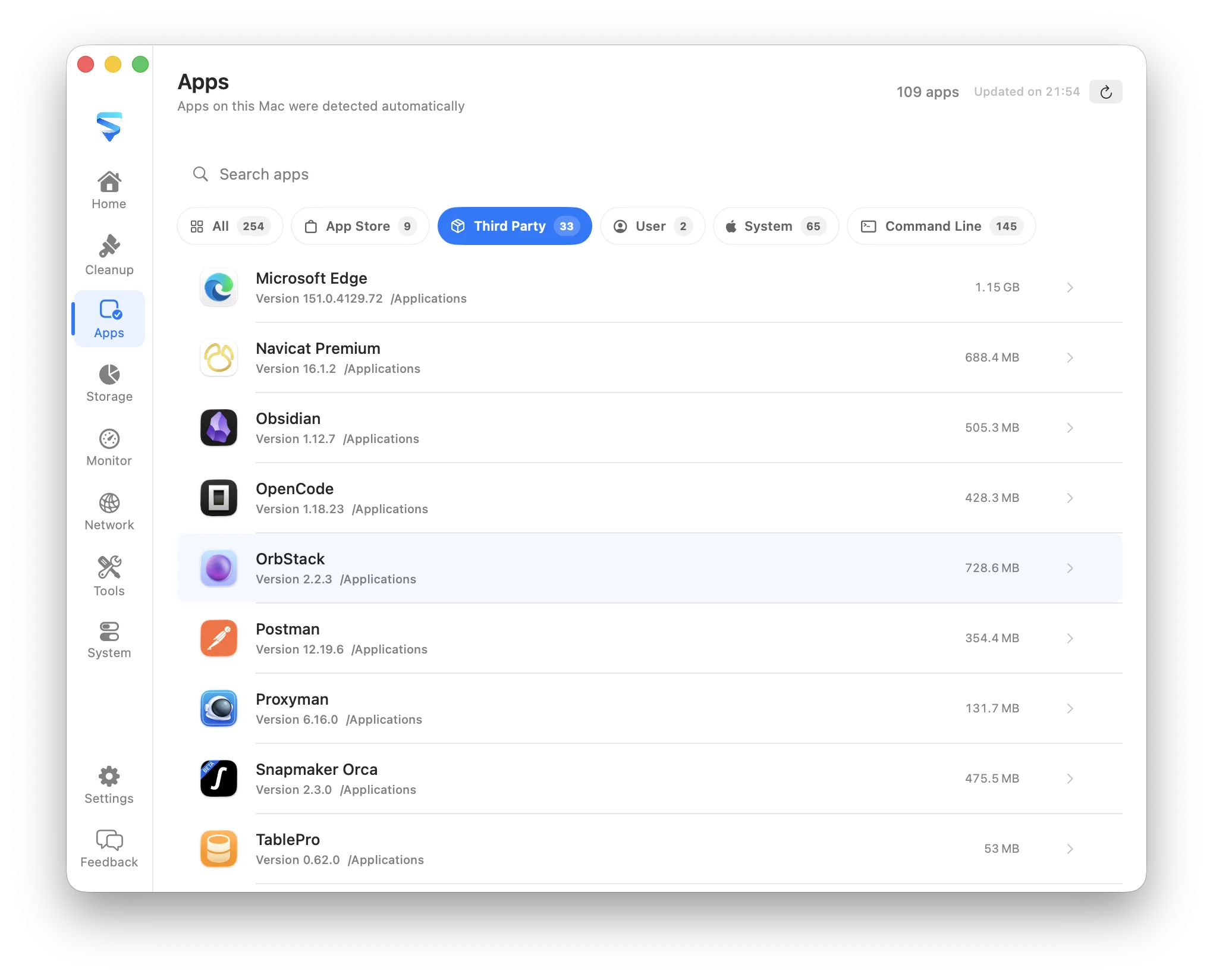
Browse App Store, third-party, user, system, and command-line software together.
Inspect version, location, source, disk usage, identifiers, and package-manager guidance.
Review related support files and choose which confirmed items should be removed.
What it covers
Search and filter installed software while keeping its path, version, source, and size available. Command-line tools are included so the inventory reflects the software developers and technical users actually maintain.
Related preferences, caches, logs, containers, and support files are presented as selectable findings. MachKit does not silently remove every matching path, and package-managed software receives guidance appropriate to its manager.
Supported file removals normally move content to Trash. Protected locations and ambiguous binaries remain outside automatic removal so an uninstall stays understandable and reversible where possible.